
Design is not just what it looks like and feels like. Design is how it works.
Steve jobs
HAVE A MESSAGE
- Identify the main message by repeating it – preferably in different ways.
- If you are presenting with another person, make sure you know who is to say what and when. View the presentation as a rehearsed theatre play.
- Move (naturally), the eye follows the movements, but do not dance Lambada.
- Show that you are interested in the topic you will present. If you are not: view it as a character building exercise.
- No ideas are transferred intact. All that is ambiguous will be misunderstood. Of that which is not ambiguous, half will be misunderstood. Therefore, repeat your main points several times in different ways.
POWER POINTS
- use only one message per slide / avoid bullet points !
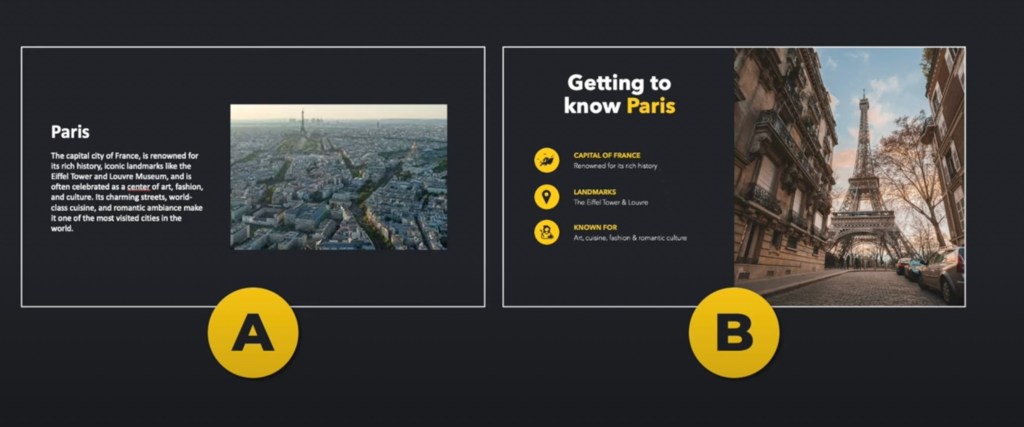
- Use PowerPoint as it’s supposed to be used: an image + small amount of text (no complete sentences). DO NOT simply speak what you have written. Use only images to assist the viewers to take in the message
- make what is most important part the biggest — this is usually NOT the heading
- use contrasts to focus your audience where you want them
- use dark backgrounds (YOU are the presentation; PP is your visual aid)
- use SIX objects only on a slide – yes, six IS the magical number. Limit the objects on a slide, not the number of slides
- Never ever read from the screen/projection (
CREATE VISUAL HIERARCHY
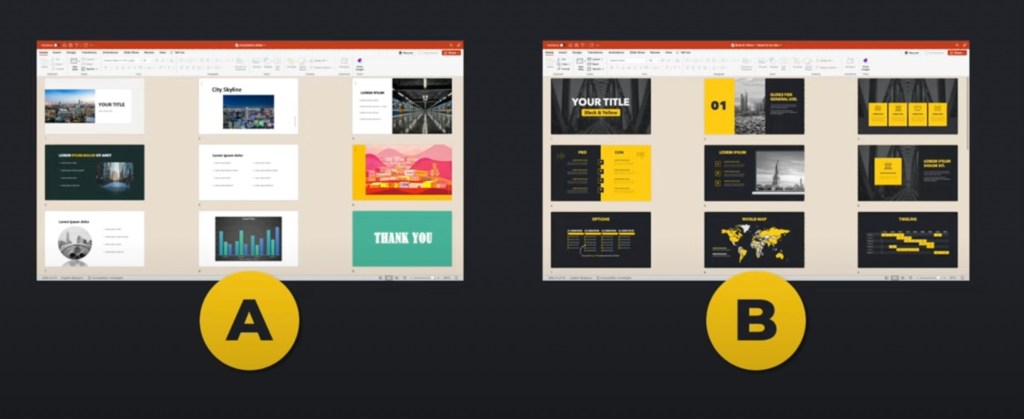
MAINTAIN VISUAL CONSISTENCY
 European History
You must be logged in to post a comment.